~10 min · A voice agent you can talk to in the browser, in 10 minutes.
What you get:
a working voice agent you can talk to in the browser. It takes about 10 minutes.
Before you start:
access to the Voice Agent dashboard. You don't need a SIP account for the first test.
Steps
1
On the “Campaigns Dashboard” click “+ New Campaign” in the top right corner.“New Campaign” button
2
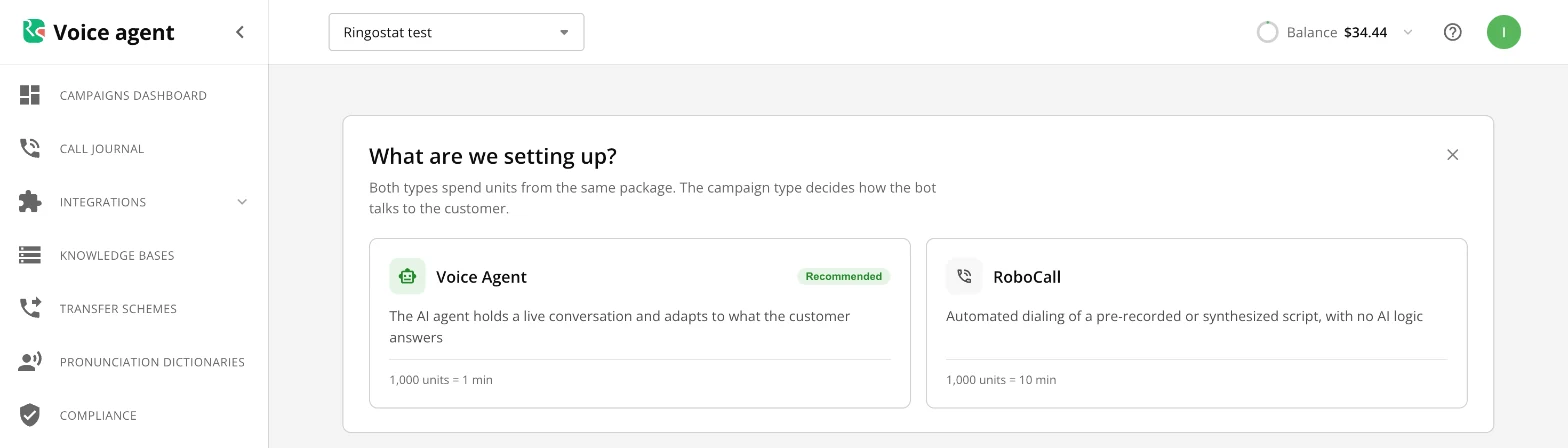
In the “What are we setting up?” window choose “Voice Agent”.Choosing the campaign type
3
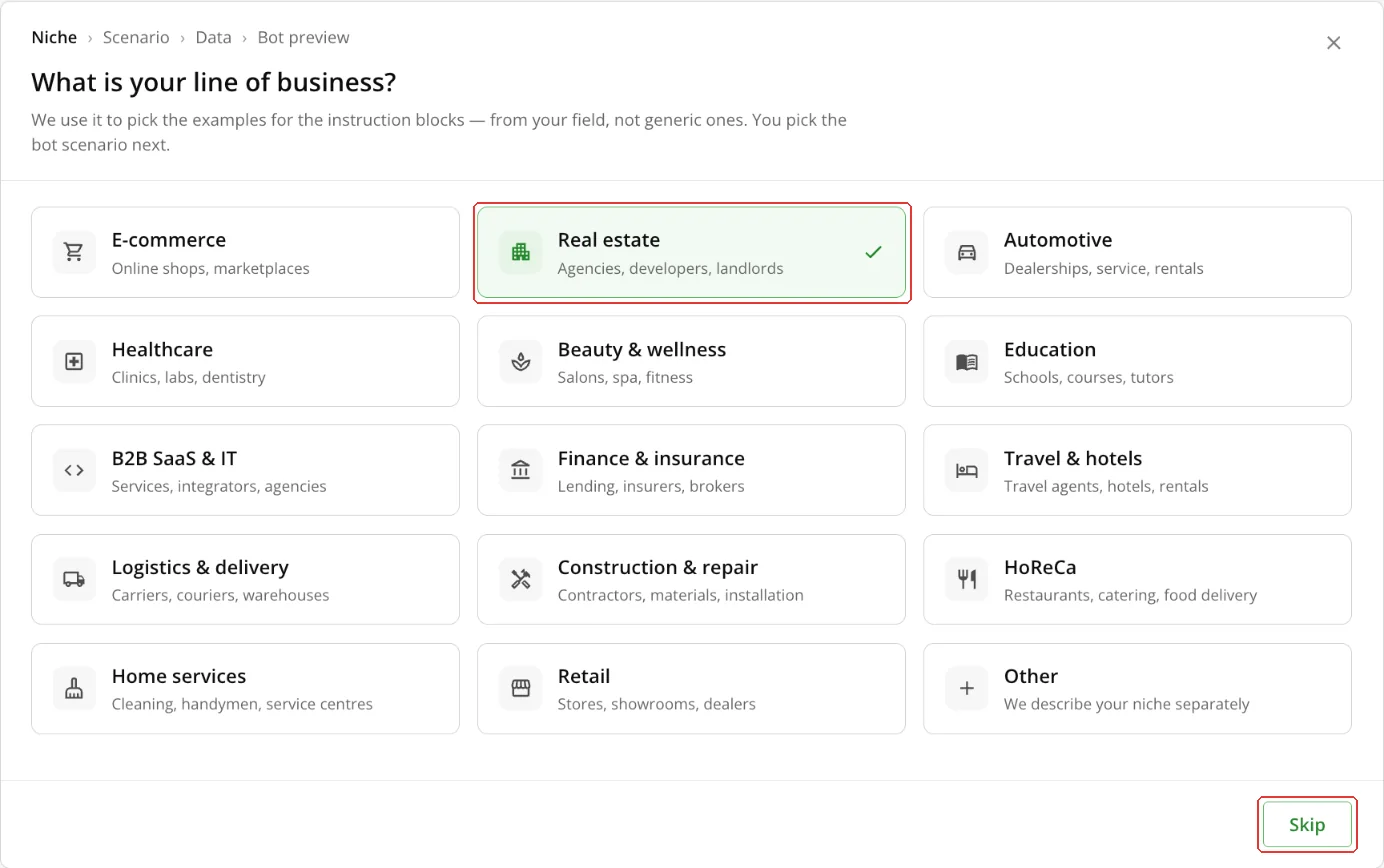
Choose your line of business, for example “Real estate”. If the niche doesn't matter, click “Skip”.Line of business
4
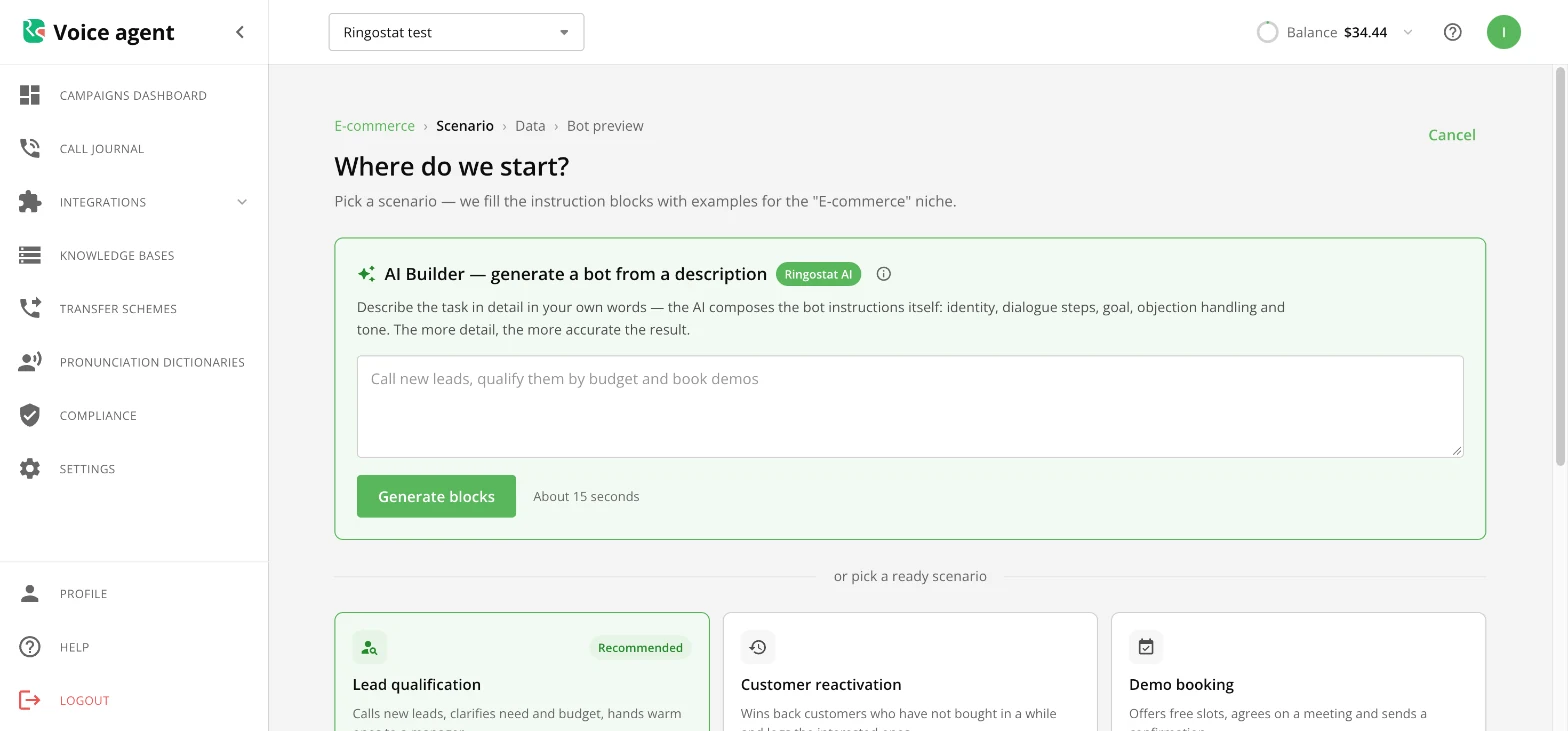
Choose a ready scenario (for example, “Lead qualification”) or describe the agent's task in AI Builder and click “Generate blocks”.Ready scenario or AI Builder
5
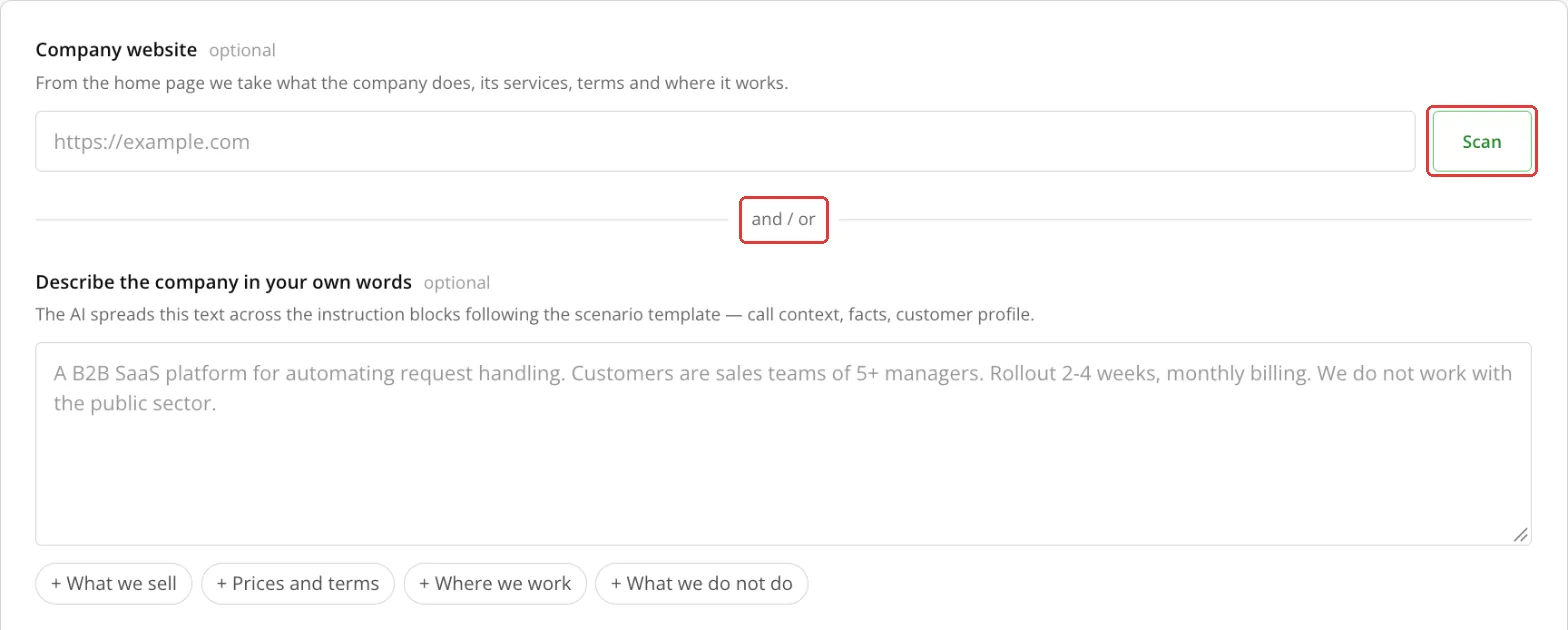
Paste your company website and click “Scan”, or describe the company in your own words.Company data
6
Click “Create bot” and wait, usually up to a minute. The campaign editor opens with the instructions already filled in.“Create bot” button
7
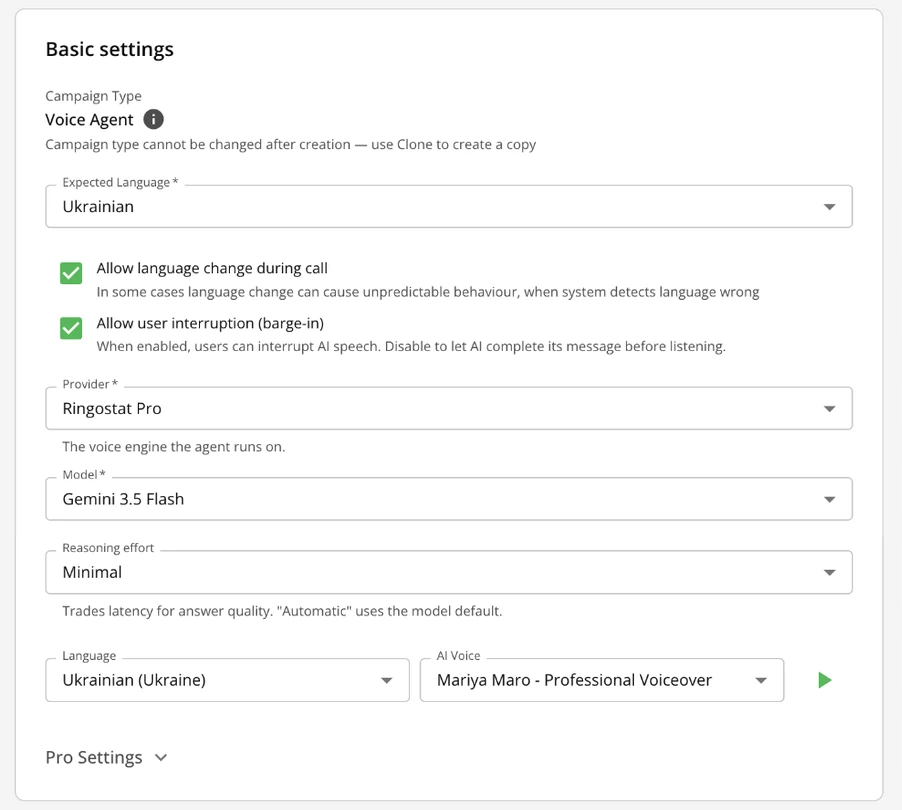
Check the campaign name, expected language, model and voice: the wizard has already filled them in. Adjust the agent instructions if needed.Basic settings
8
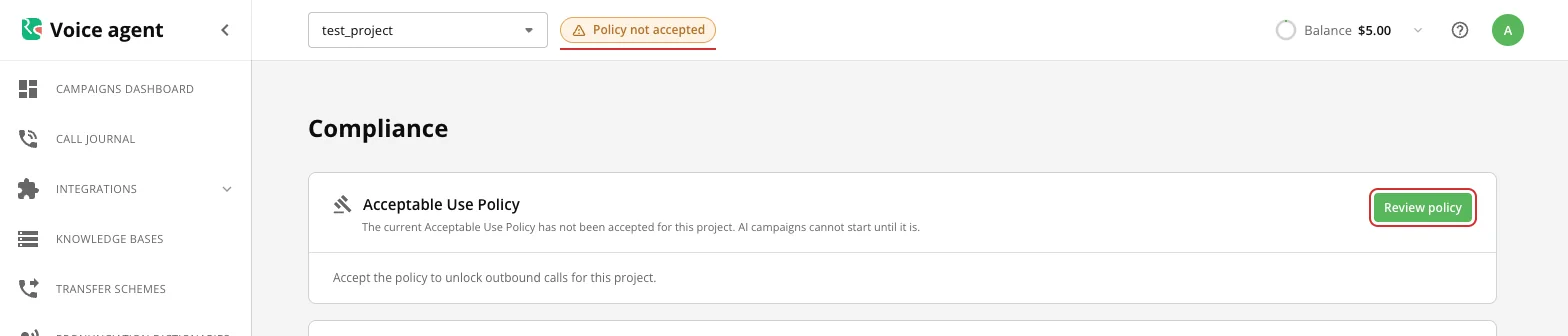
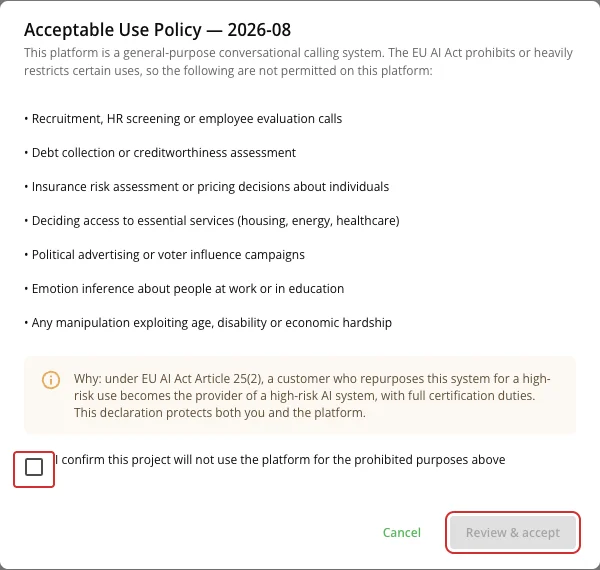
If there is a “Policy not accepted” badge at the top, click “Review policy”, confirm that the project will not use the platform for prohibited purposes, and click “Review & accept”. A project admin can accept the policy.Policy not acceptedAcceptable use policy
9
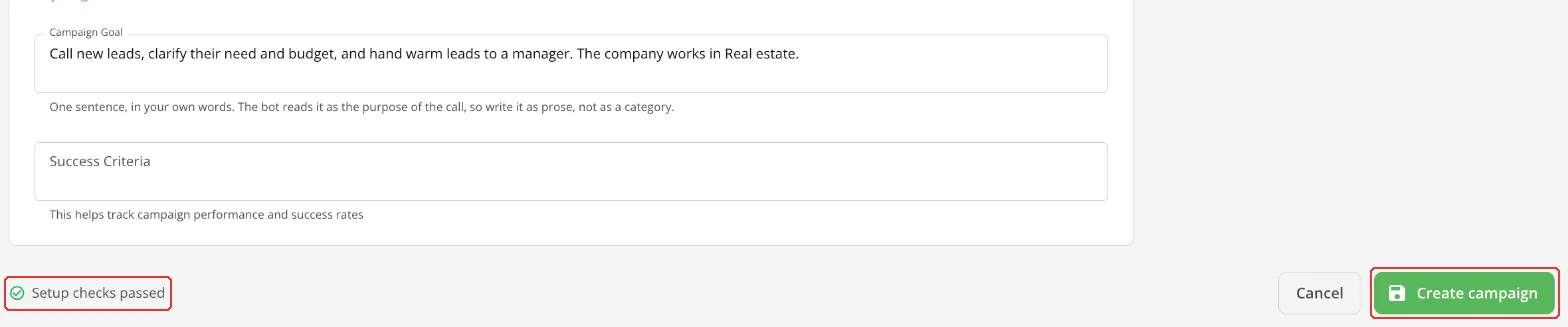
Click “Create campaign”. If no SIP account is connected, the “Check before saving” window appears: click “Save anyway”.“Create campaign” buttonWithout a SIP account the campaign status is “Needs setup”, and “1 item needs attention” may show at the bottom. This does not affect the test call in the browser.
10
Click “Bot test” at the top of the page: the test call starts automatically. Speak into the microphone the way a customer would.“Bot test” button
Voice Agent or RoboCall
Both types spend units from the same package.
Type
How it talks
Cost
Voice Agent (recommended)
Holds a live conversation and adapts to the customer's answers
1,000 units = 1 min of conversation
RoboCall
Plays a recorded or synthesized script, with no AI logic
1,000 units = 10 min of conversation
This is an estimate at the current rate: if the agent uses tools during the call, a minute can cost more.
Test calls and the trial package
A browser test (“Bot test”) spends no units. One test lasts up to 30 minutes; up to 2 tests can run at once per user and up to 5 per project.
A new project gets a trial package: 40,000 units, that is 40 minutes of Voice Agent conversation, for 30 days. It is spent by calls to phone numbers; when the units run out, calls stop.